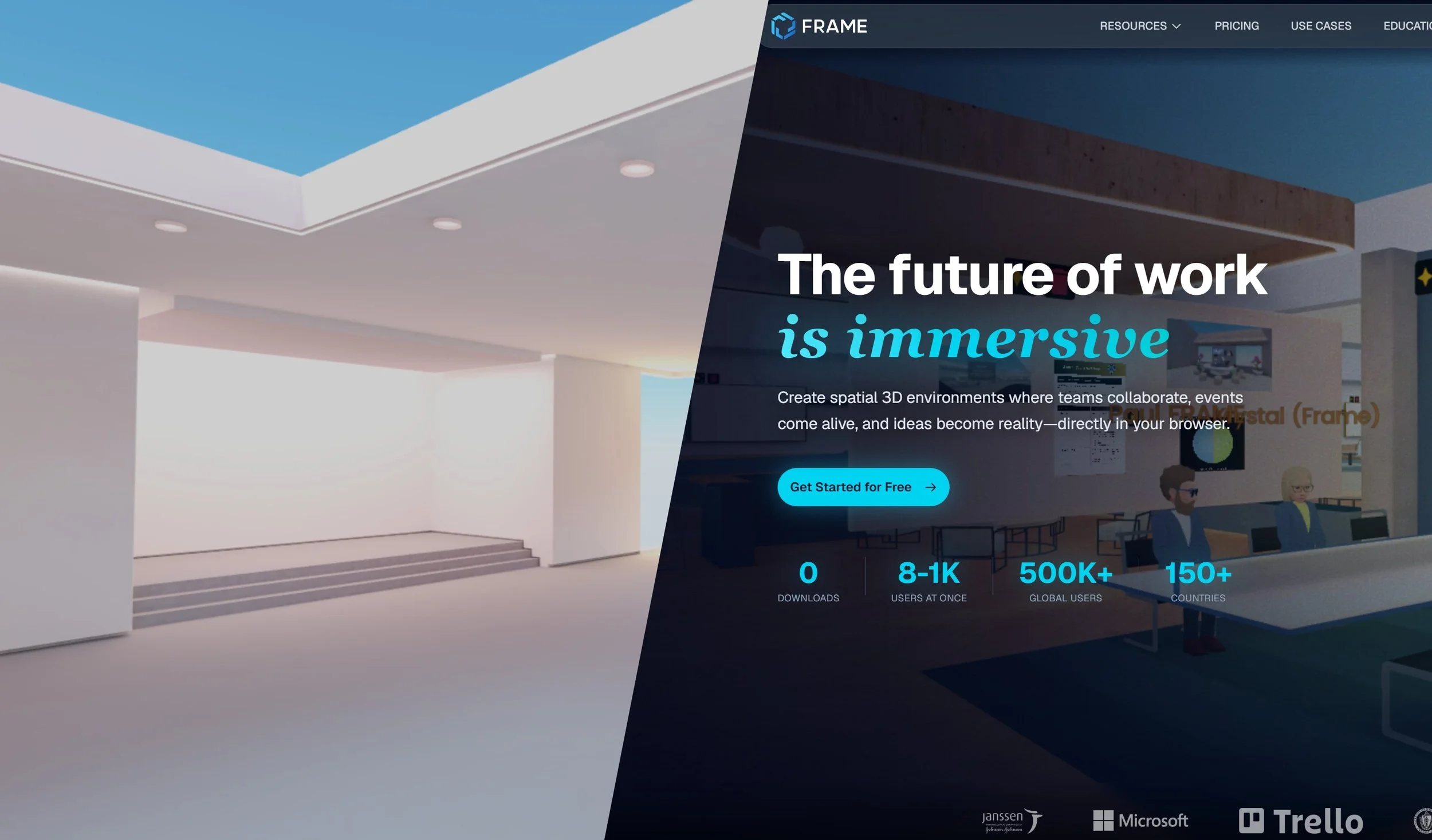
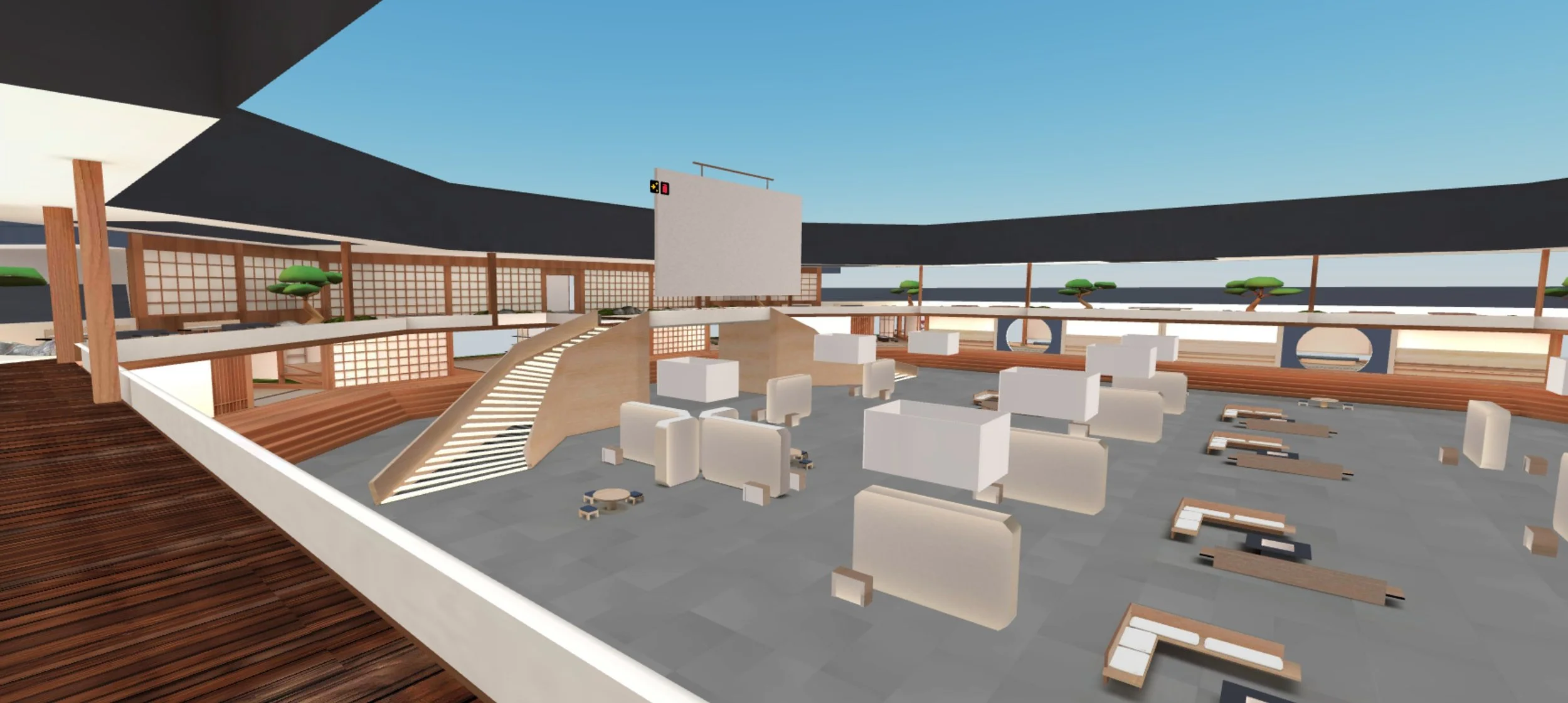
Frame is a WebXR collaboration platform used by 80,000+ users across corporate, educational, and cultural sectors, powered by Babylon.js and accessible through any browser with no downloads required.
For the past five years I have been designing and building optimised 3D environments that hold up to 2000 concurrent users while maintaining visual quality. My role has evolved beyond 3D into UI/UX, redesigning the platform and improving the experience for new users. Working alongside developers, incorporating Cursor AI into my workflow and deploying through GitHub has deepened my understanding of how design decisions impact the product at every level.
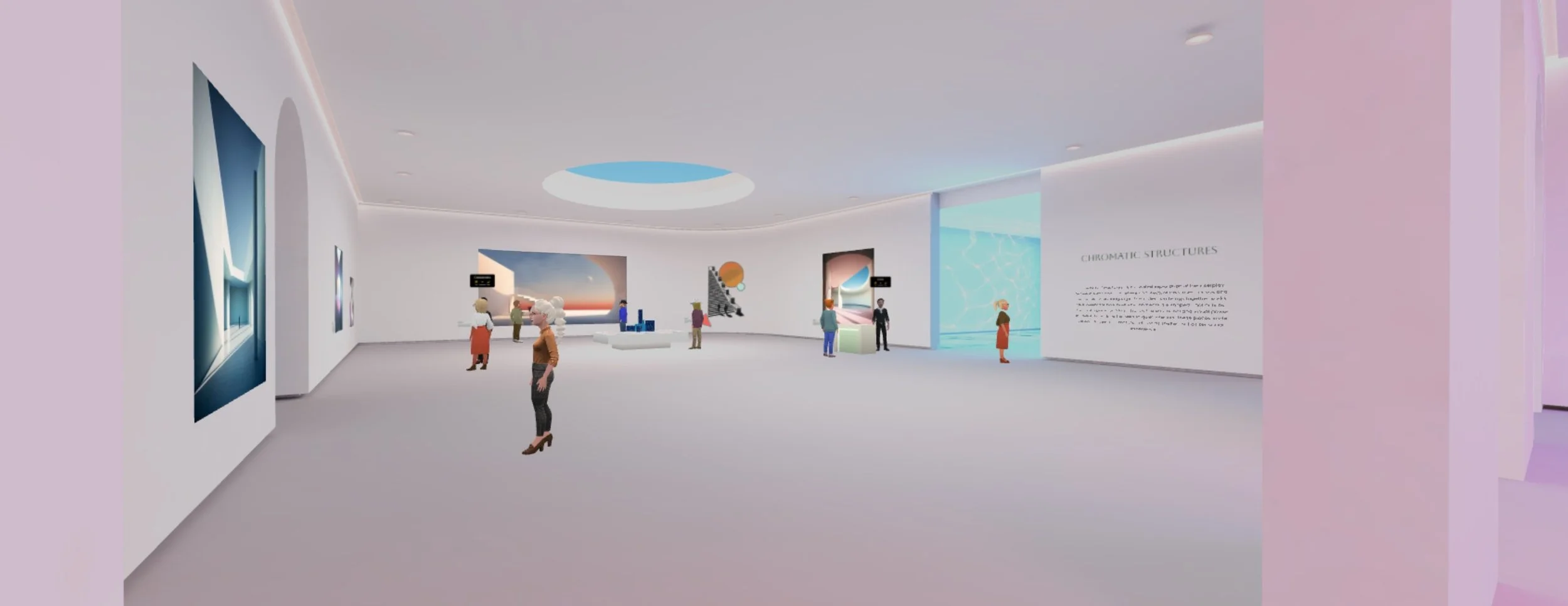
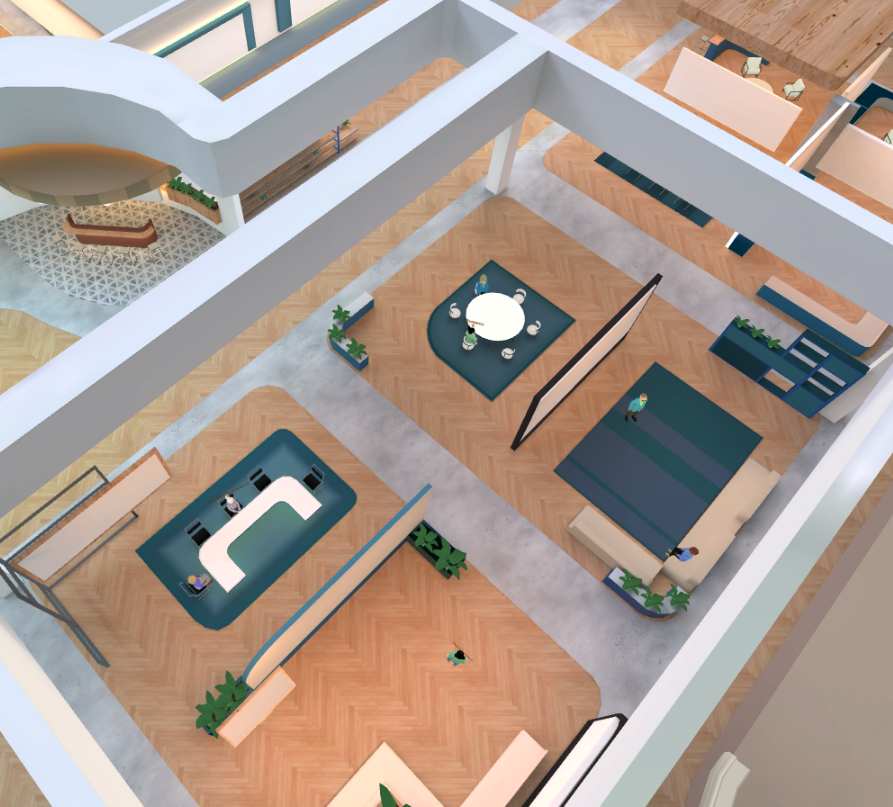
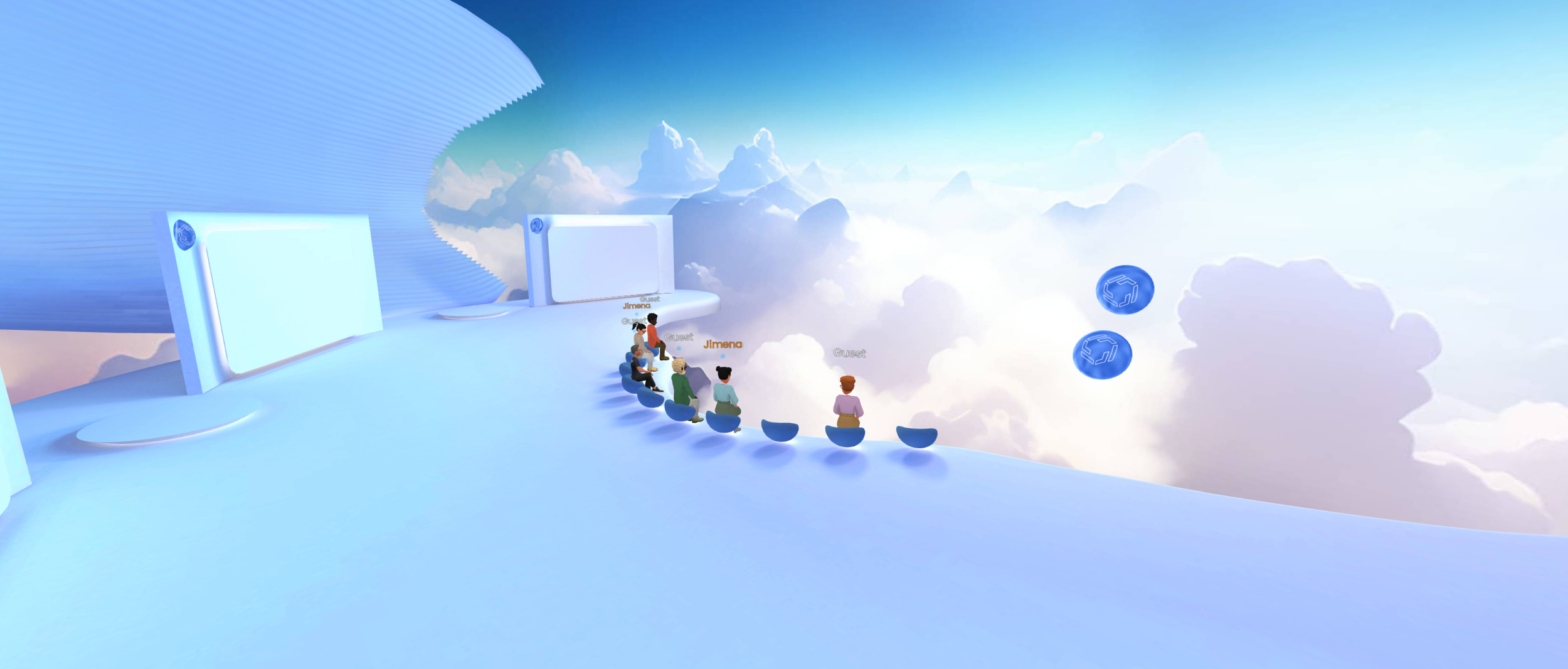
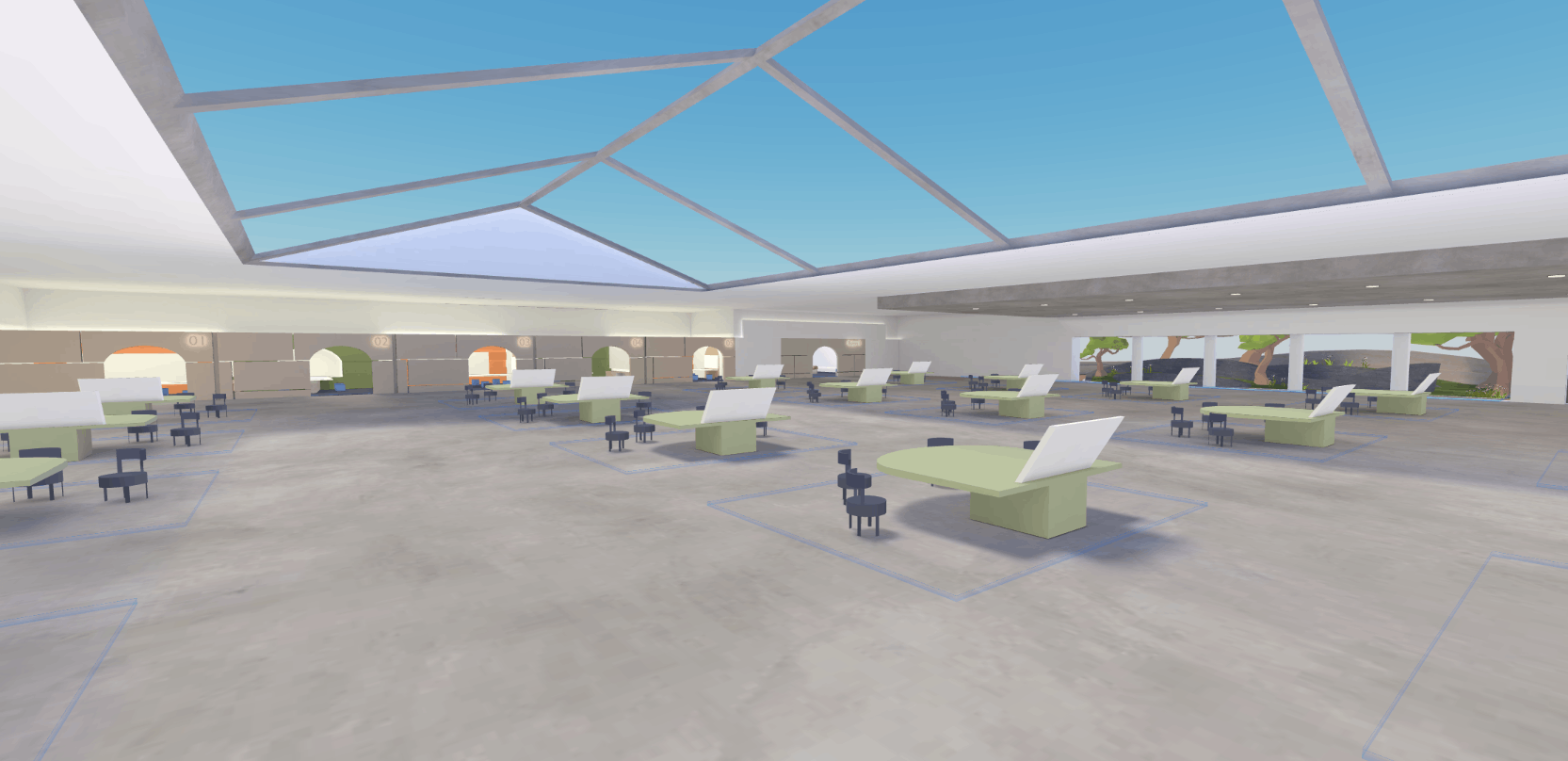
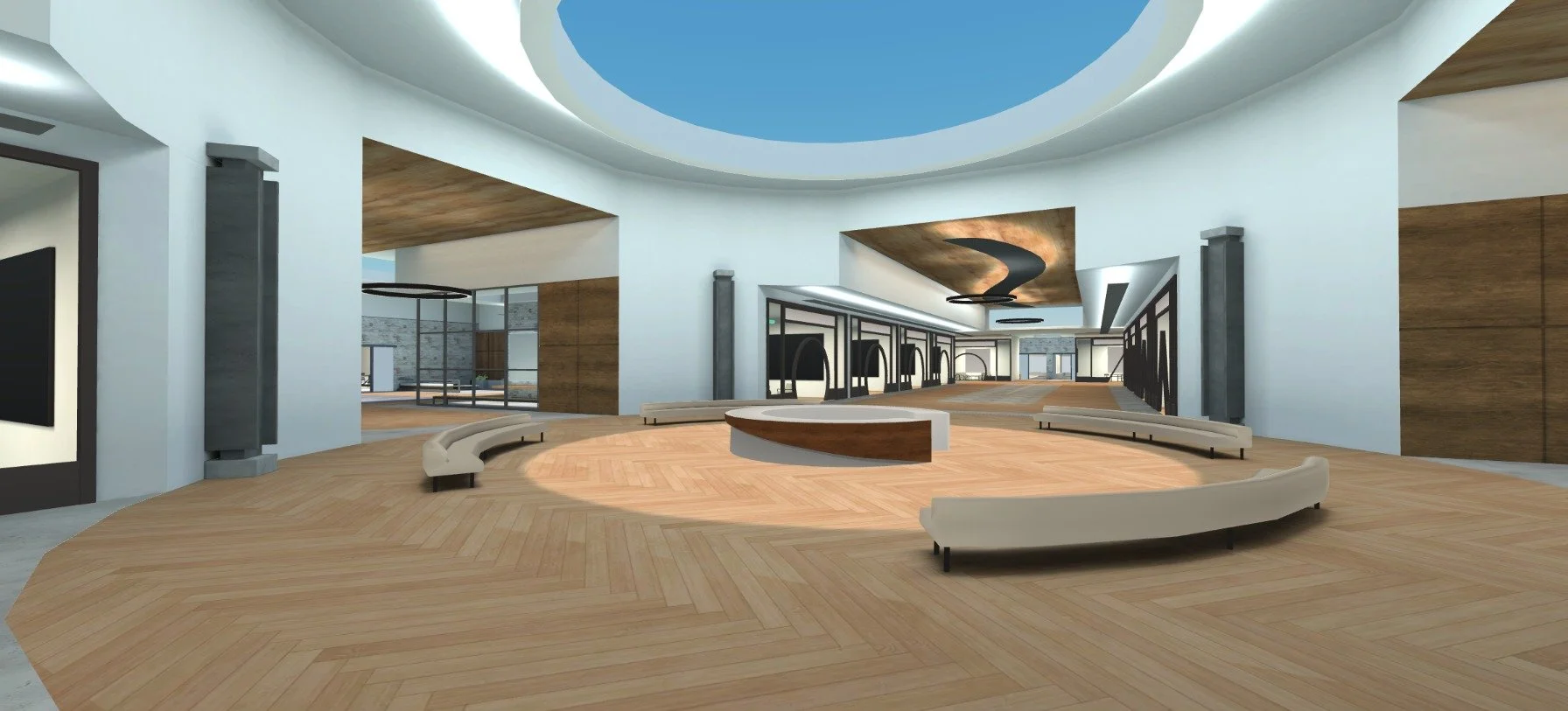
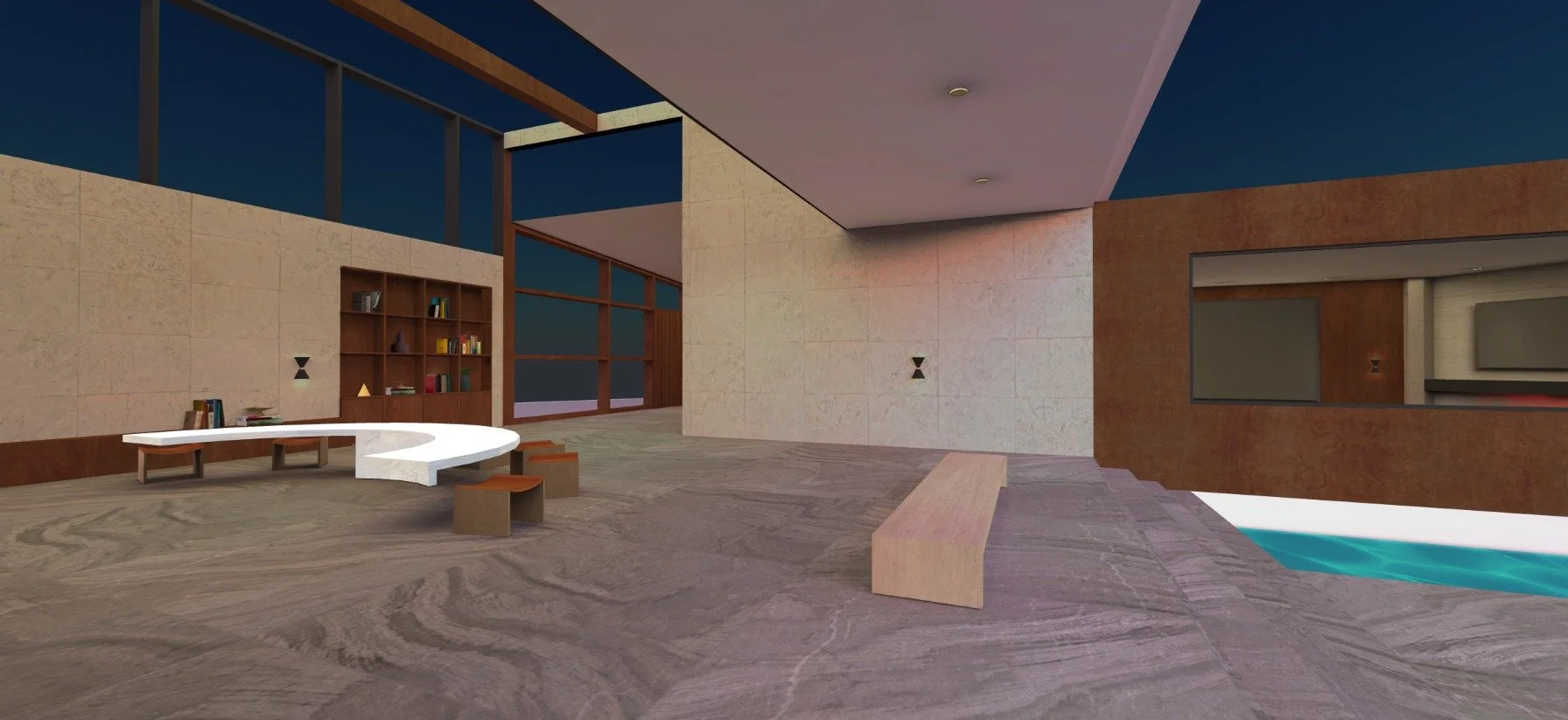
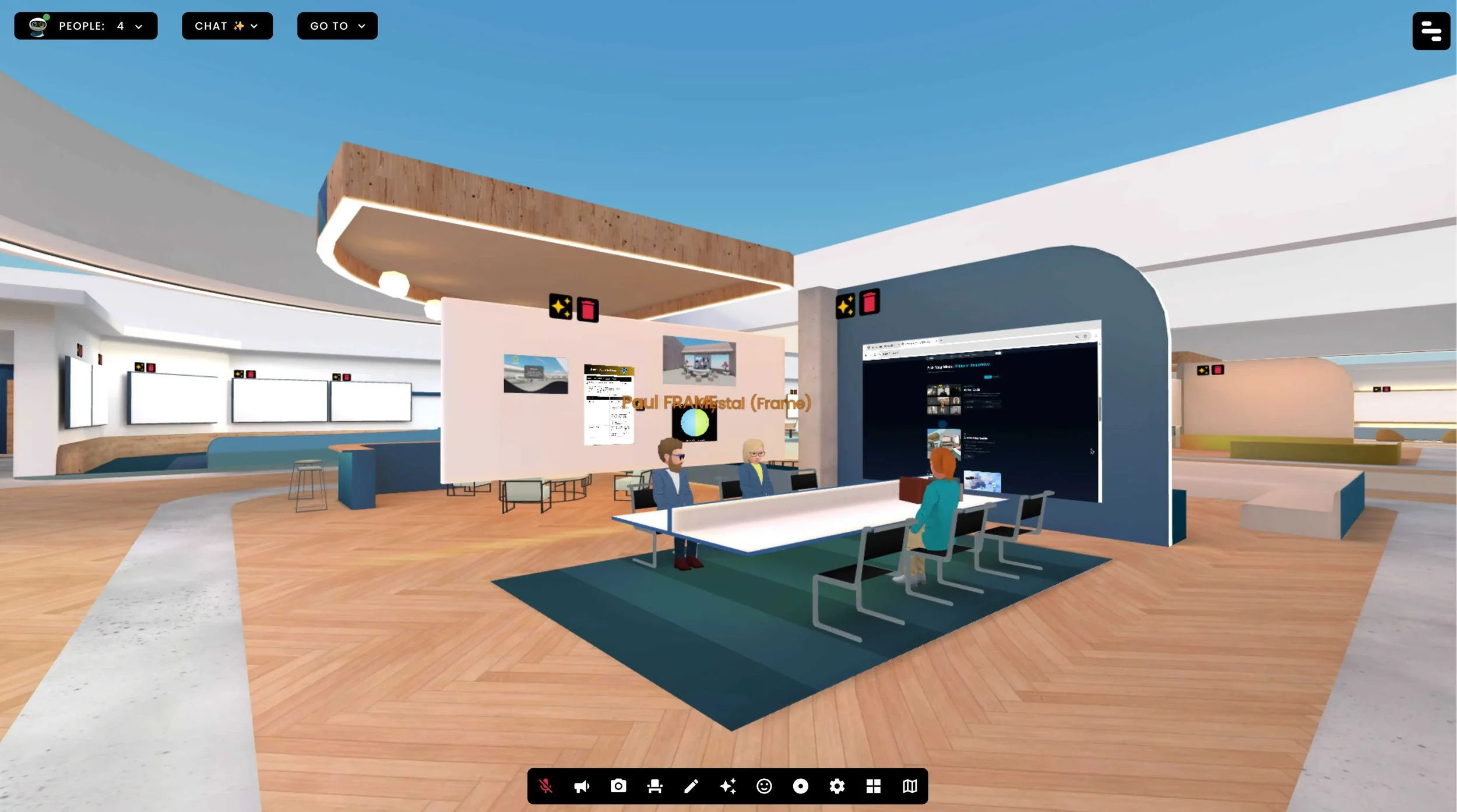
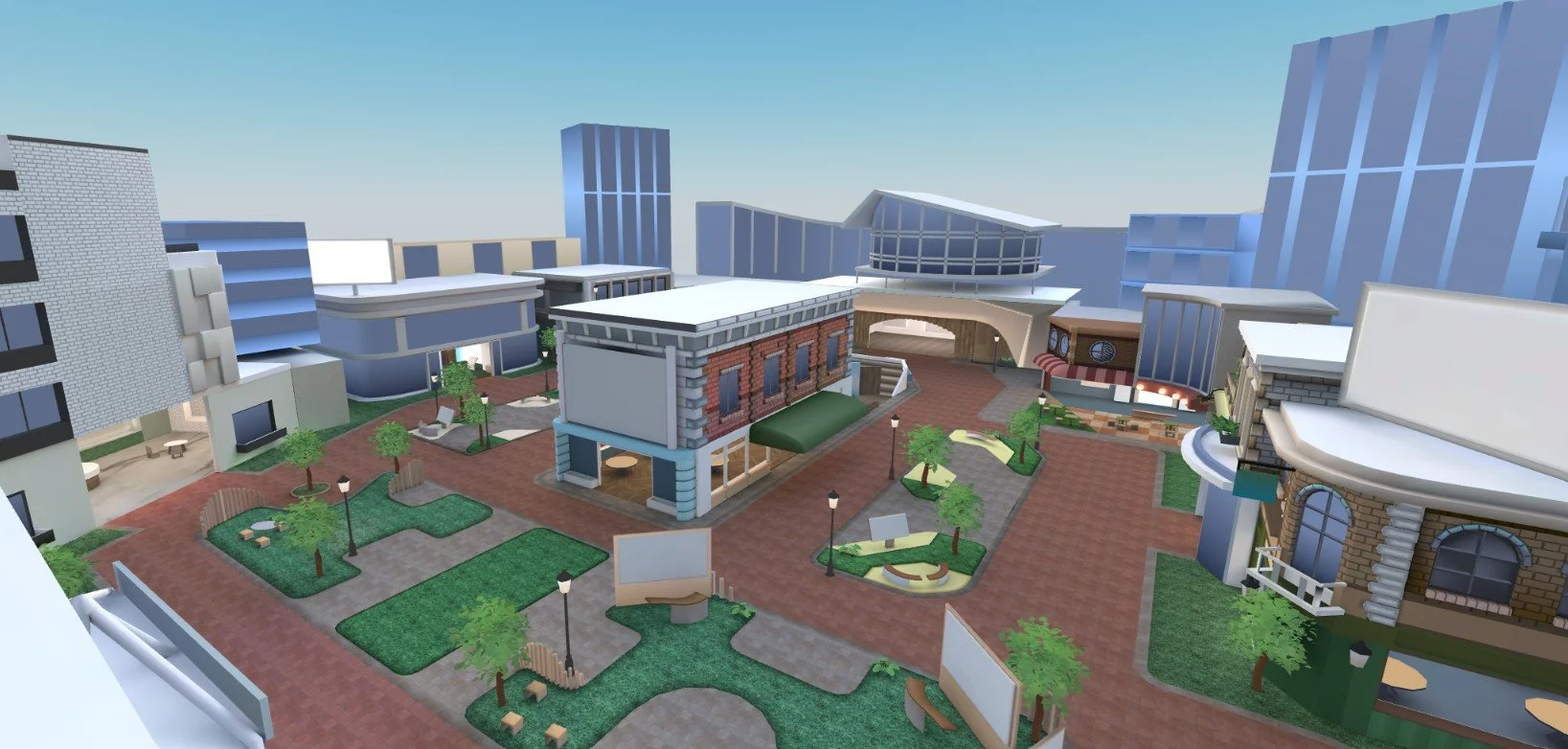
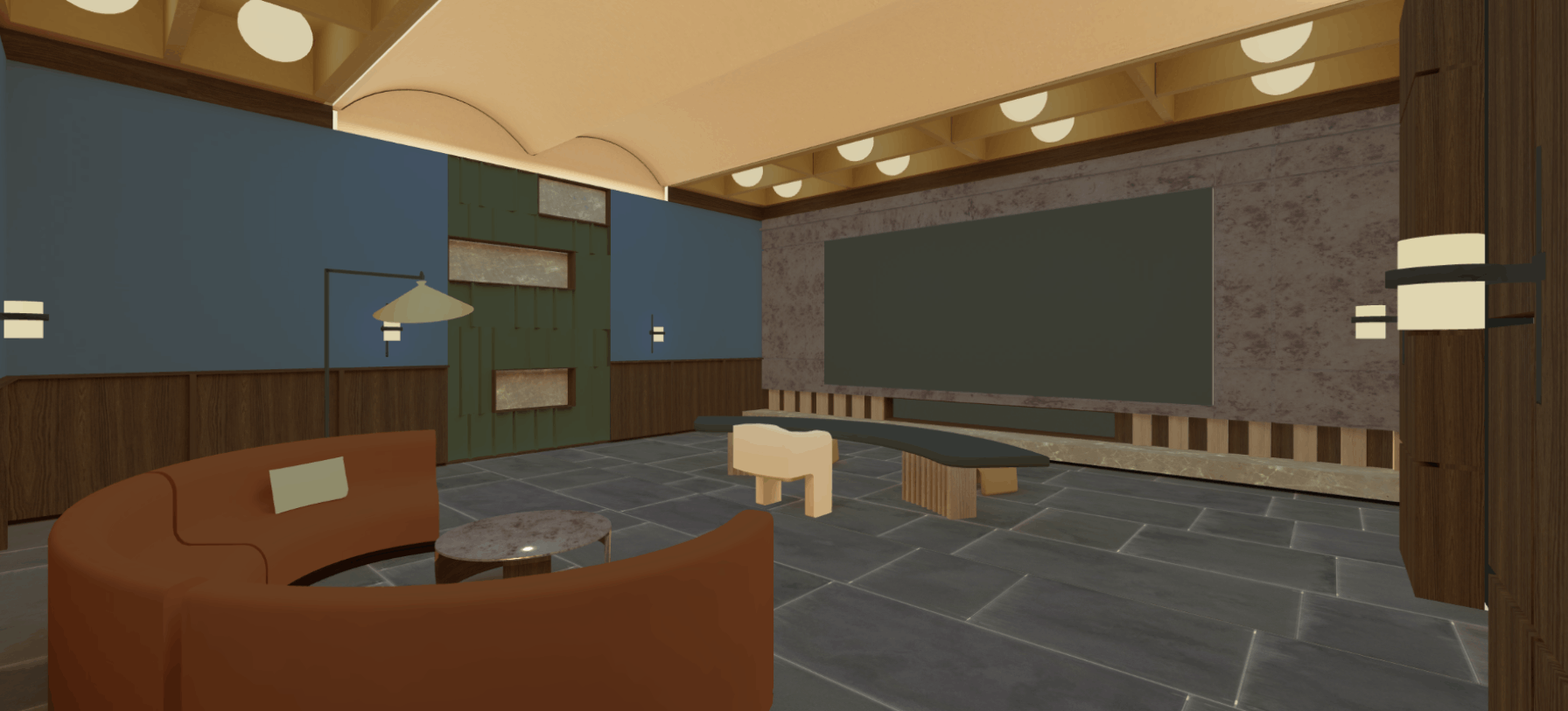
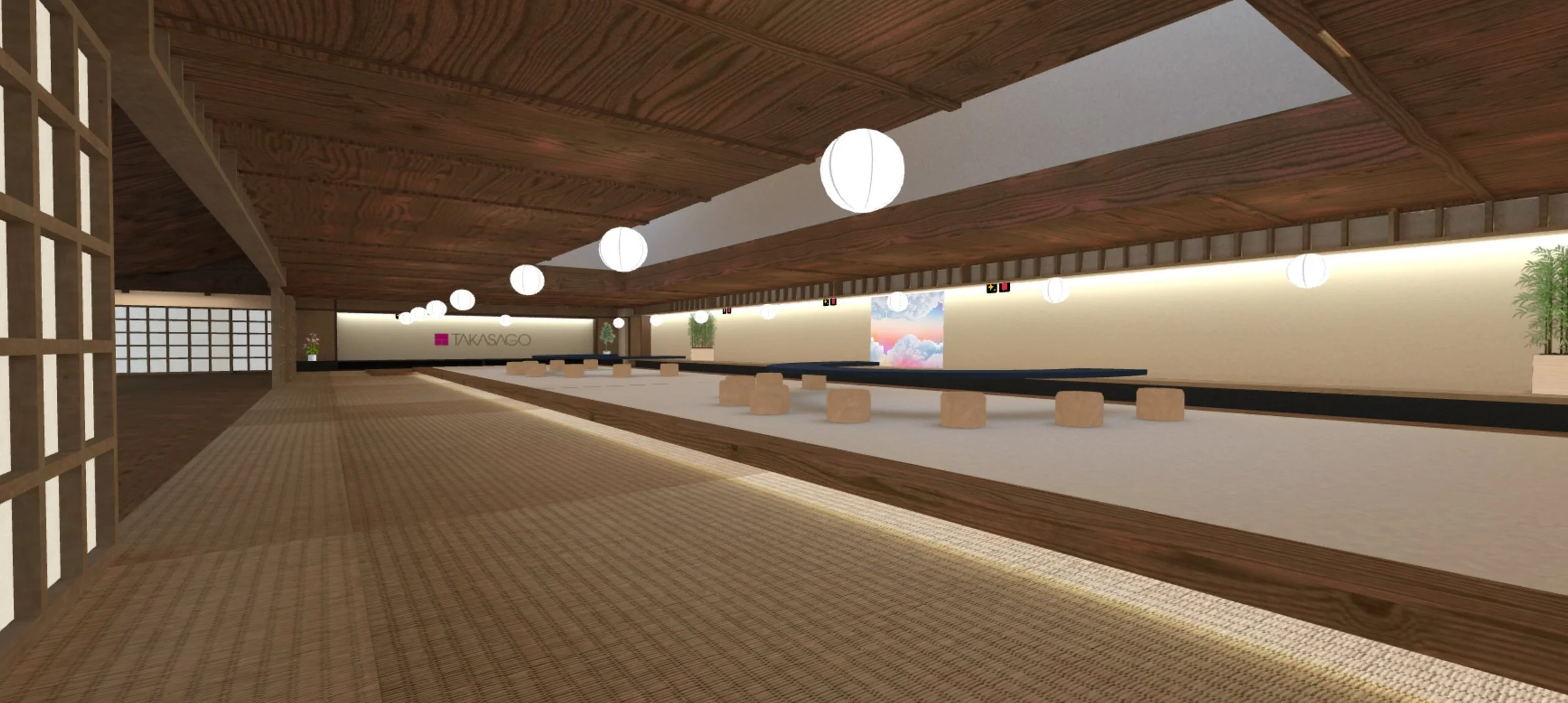
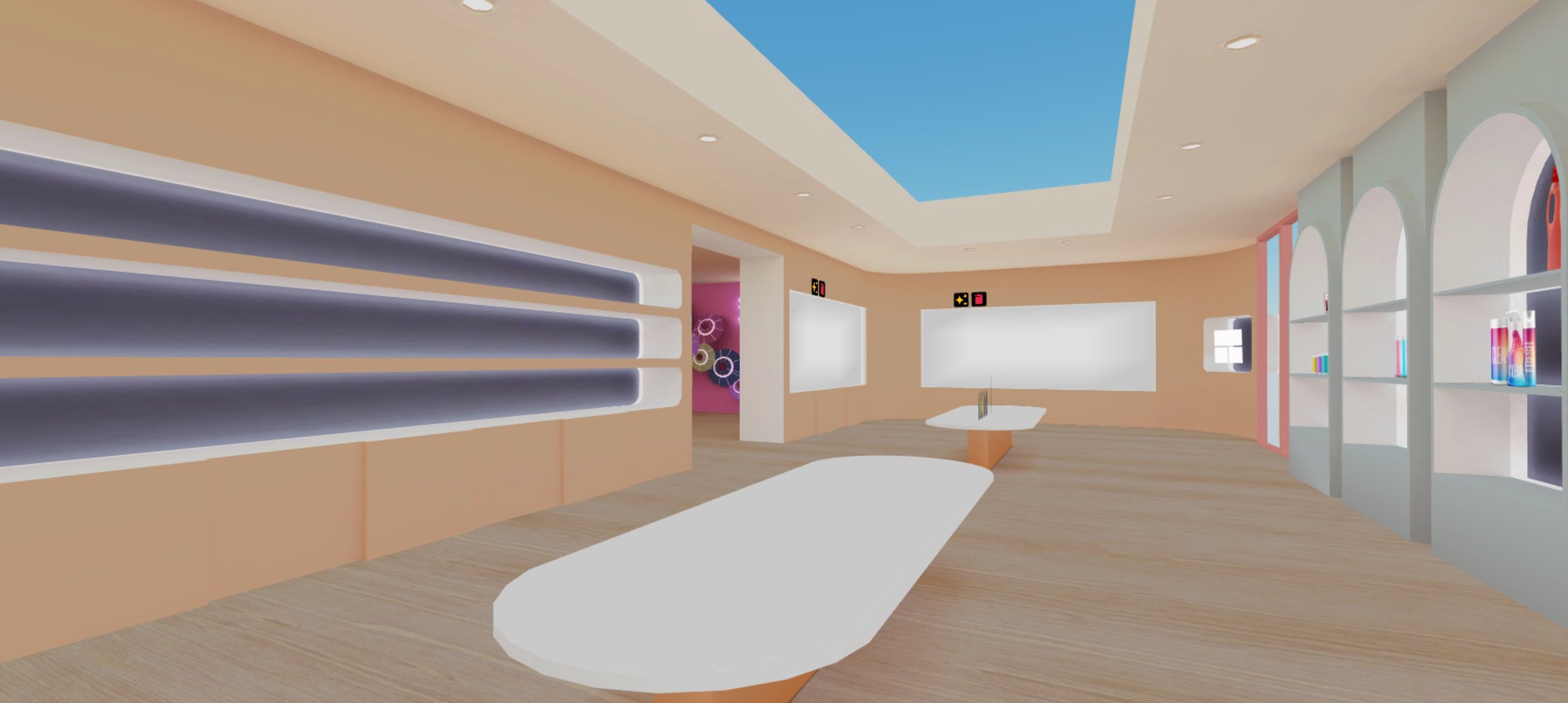
I have built multiple environments in Frame to host events, education sessions, showrooms, exhibitions and more. Each environment has to be optimised for different devices. Users meet through avatars in 3D, customise their experience, host events and meetings, or switch into a 2D view. We serve a global remote audience that needs more than a video call to connect.
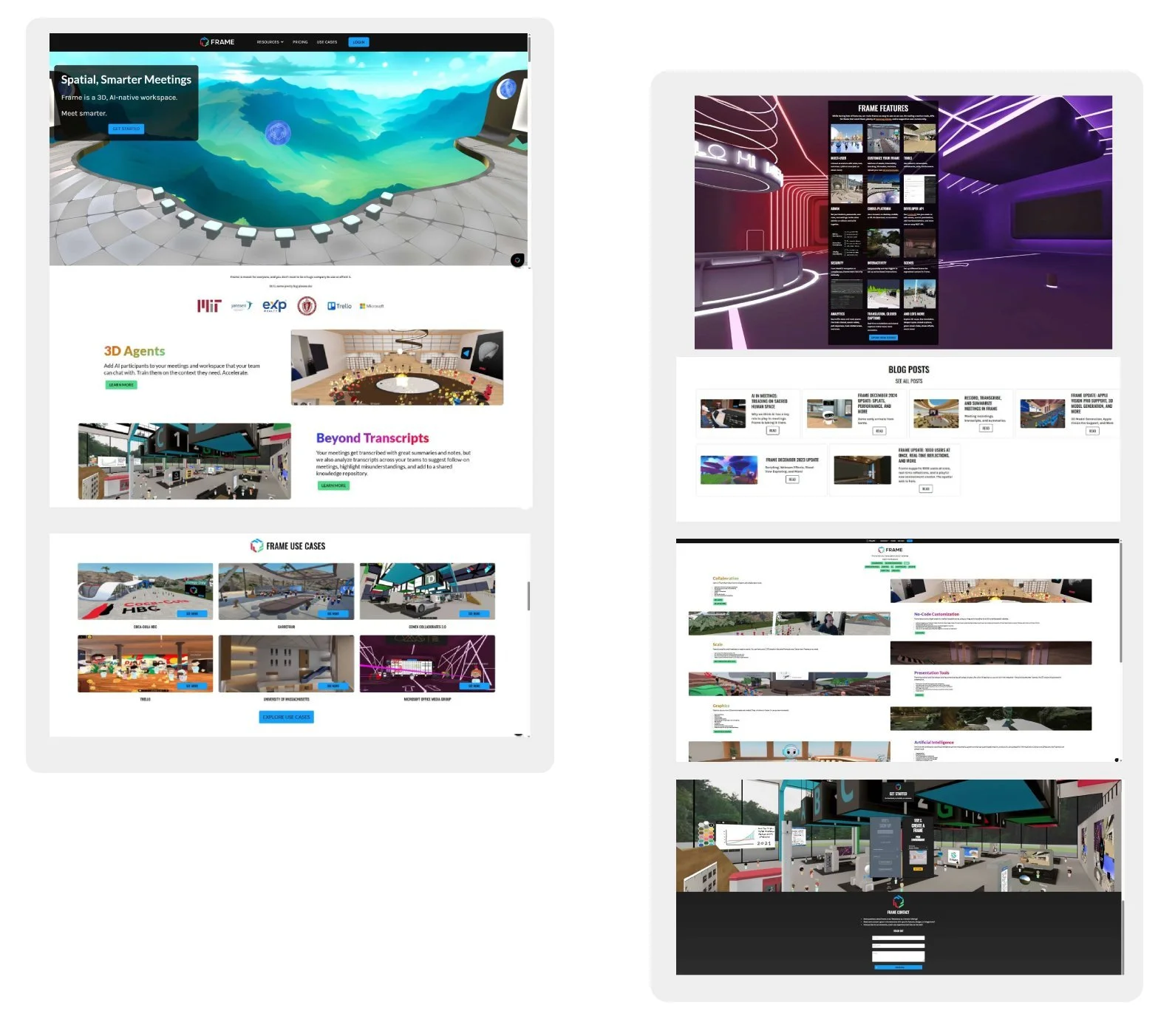
As part of transitioning from 3D into UI/UX, the Frame website and tutorial content needed a redesign. I started designing in Figma, then used Cursor AI and V0 by Vercel to build and deploy the website. The focus was giving it a more polished look, reducing visual clutter and finding a cleaner design flow for the user experience.
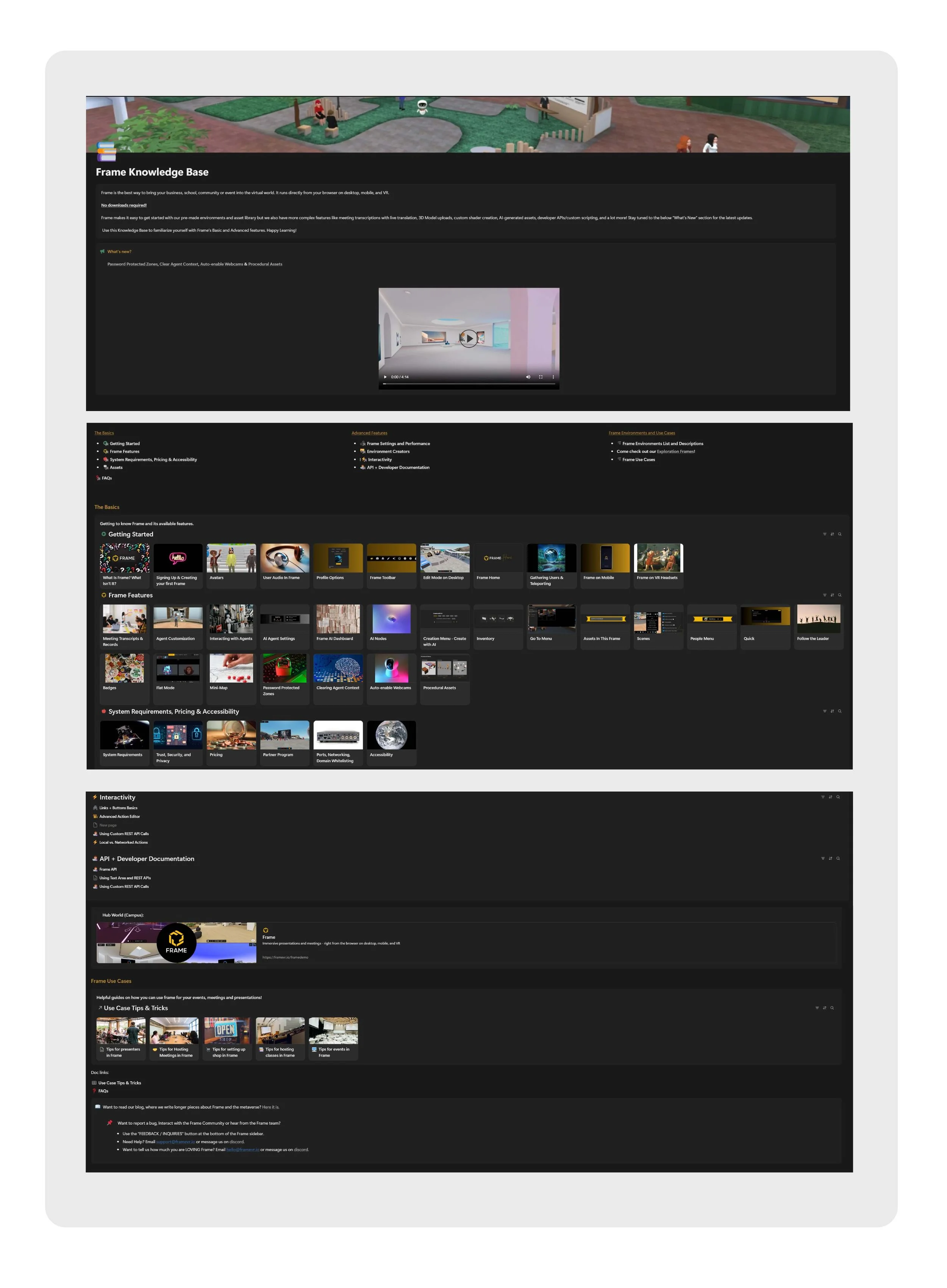
Separately, Frame had a Notion-based site housing all the platform tutorials. This needed more than a visual refresh. I redesigned the UI, curated and restructured the entire tutorial library of almost 100 videos, improving the user flow and organisation, then integrated it into the main website under a dedicated tutorials category.
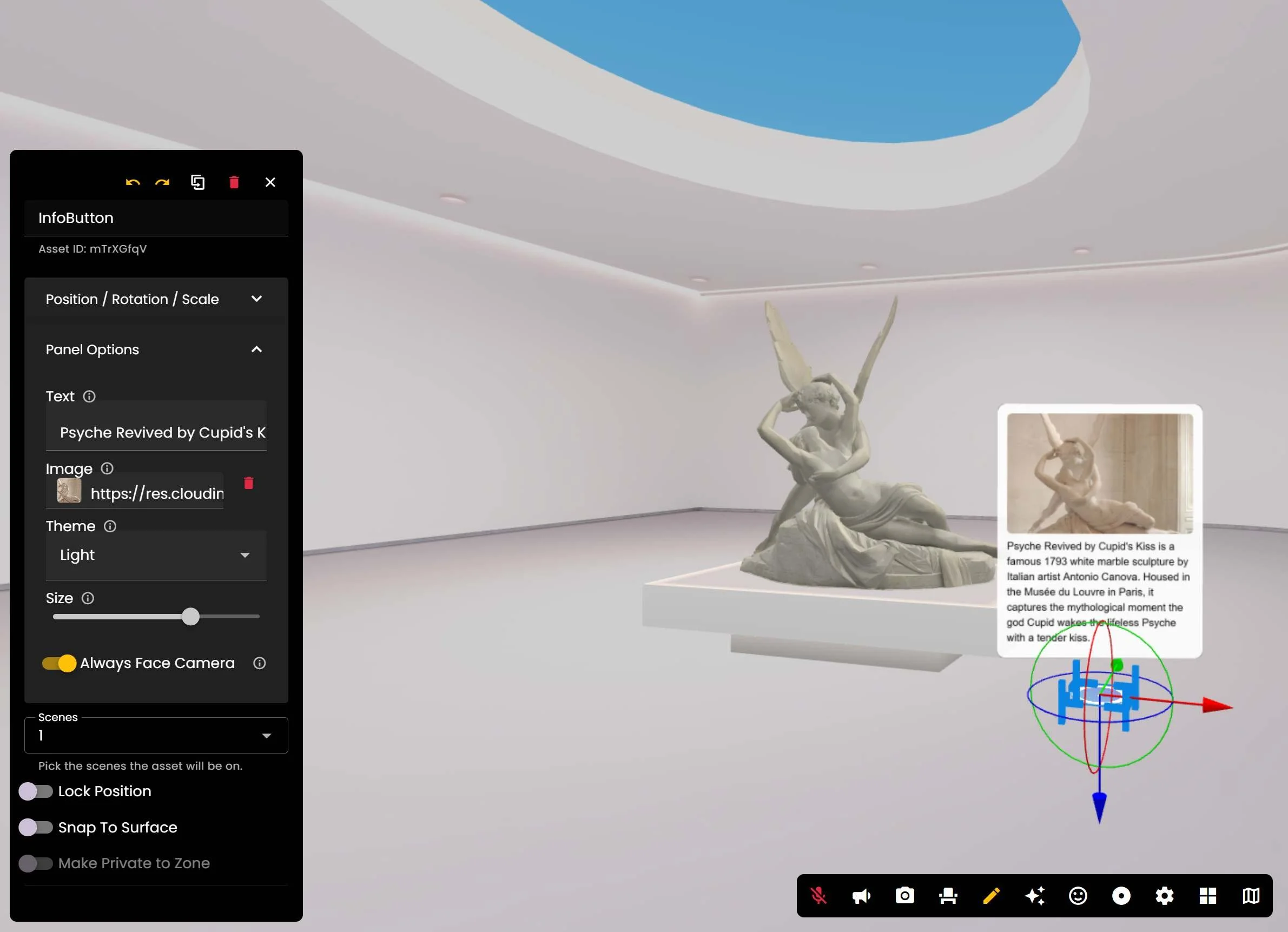
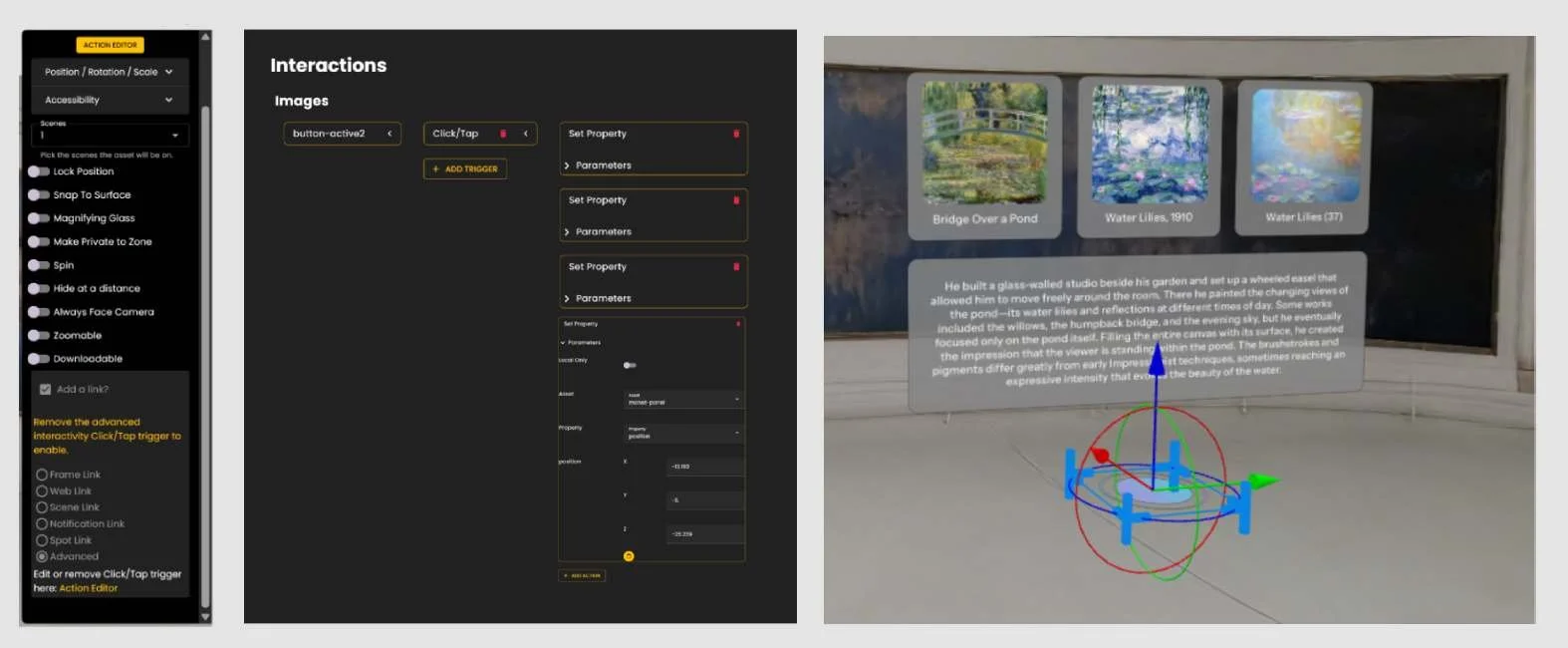
I have been improving tools inside the platform. One already live is the Info Button tool. Previously, creating clickable informational panels required going through the Action Editor, a great tool that allows multiple customisation options, but for something as simple as an info panel it was too many steps. The Info Button simplifies this to one panel: upload an image, add text, customise the colour, and choose if it faces the camera or attaches to a surface. What previously took multiple steps now takes about one minute.
Frame
Web XR Collaboration Platform